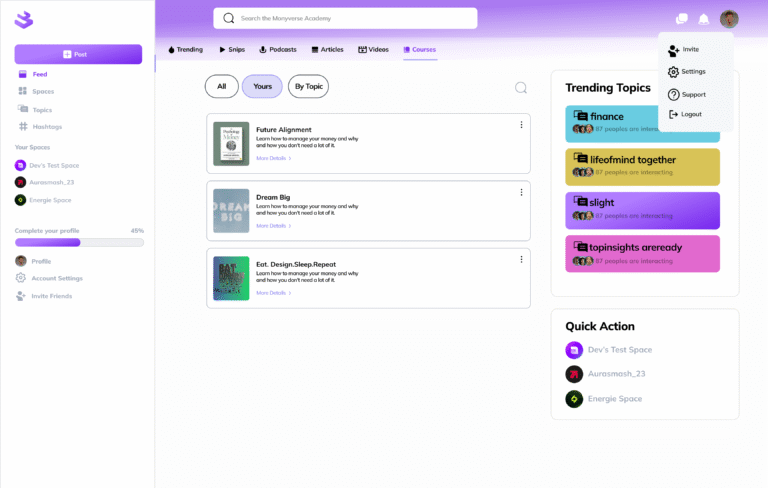
Step 2: Click on your profile picture displayed on the top right corner.
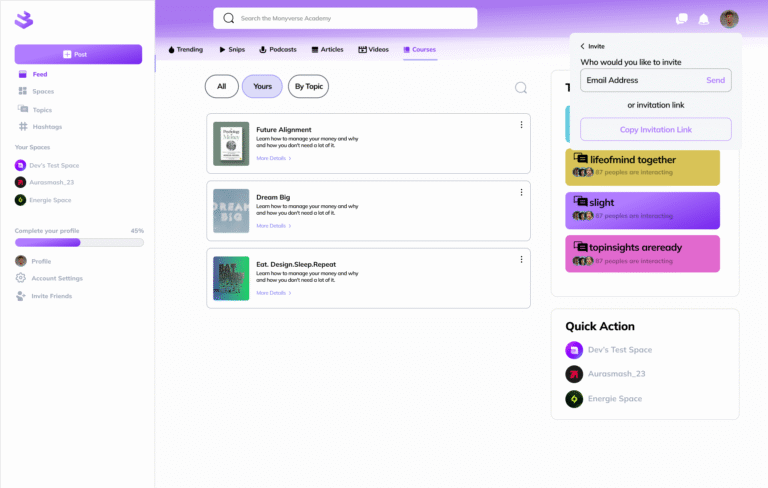
Step 3: Enter the emails of the individuals you would like to invite; or copy your invitation link. This can be linked to your emails, newsletters, or Linktree on your other socials.